Song → picture
Music Video
Analyze the track, design a visual arc, cut to its beats, and preserve the exact soundtrack.
Animatic · AI film production
Start with a prompt, a song, or a Final Draft script. Animatic plans, boards, generates, repairs, edits, and delivers through one durable project. mere.run and official production plugins execute on your machines. Every result comes back attached to the shot that asked for it.
Animatic is invite-only. Join the mere.world waitlist and we will open access from there.
World building · camera locked
USD stage proxies, camera anchors, and cast references survive beyond a single prompt. Reuse the same production truth across boards, takes, and repairs.
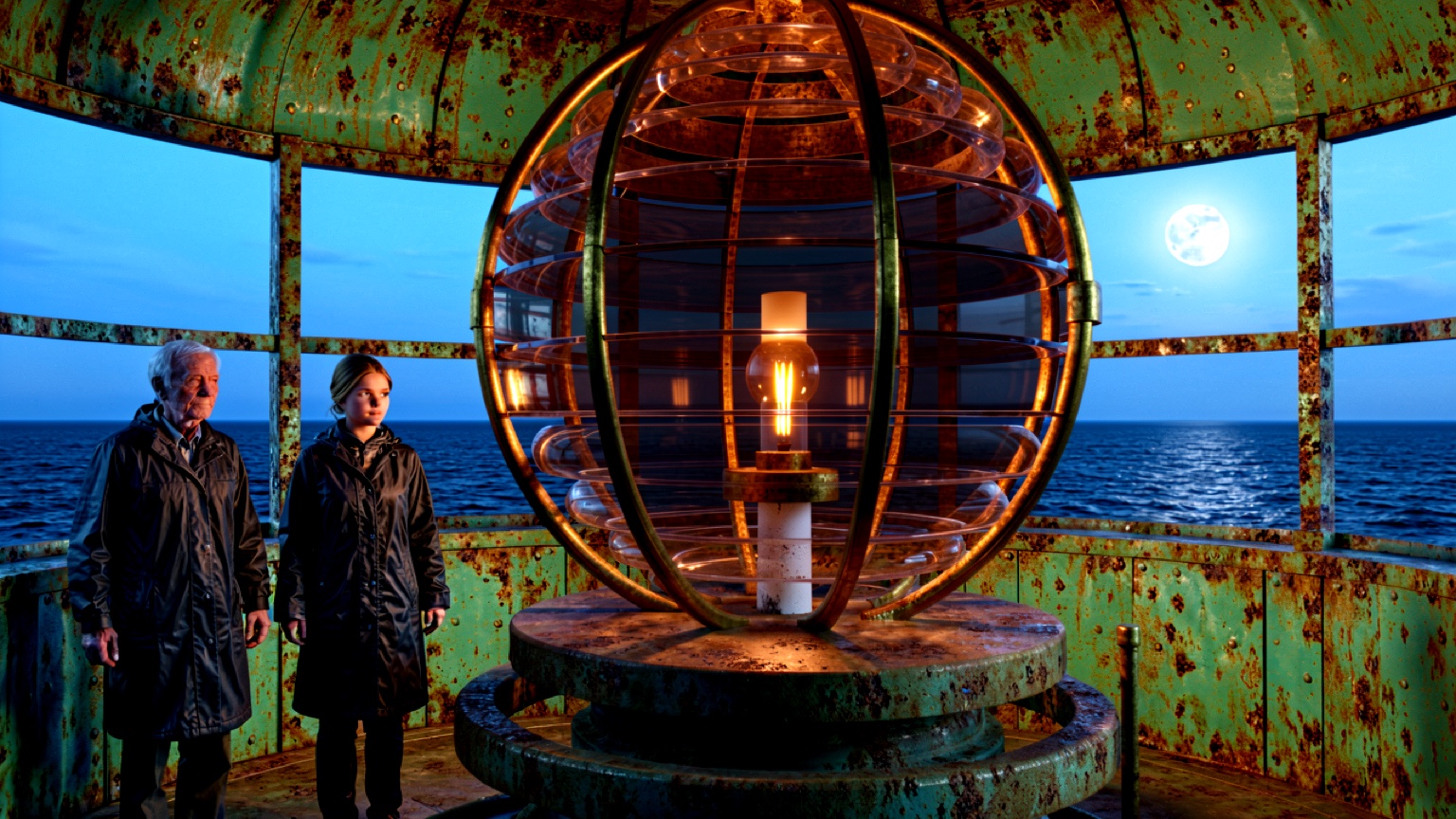
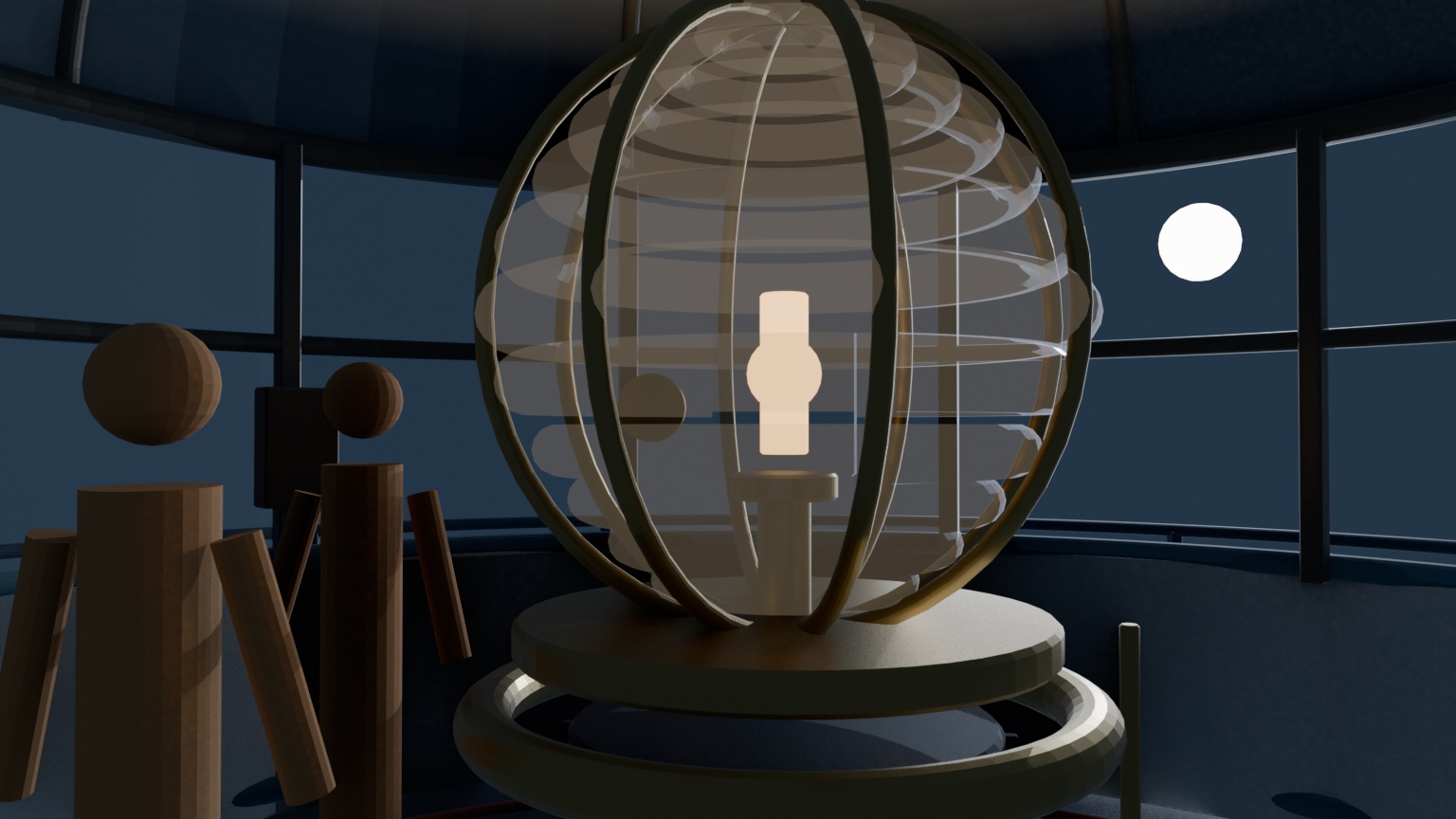
HARBOUR LIGHT No. 4 · LampRoomWide · 24mm · layout locked
Start anywhere
Describe the film. Add a song, references, or a factual source pack if you have them. Animatic plans scenes and shots, generates voice, score, and picture on your node, and assembles a master you can still re-edit.
Song → picture
Analyze the track, design a visual arc, cut to its beats, and preserve the exact soundtrack.
Sources → argument
Shape a sourced thesis with narration, archival material, score, and visible provenance.
Idea → film
Develop story, characters, scenes, dialogue, voices, score, effects, shots, and an editable cut.
Plan, preflight, produce, assemble, and deliver. Pauses only when a required input or node is missing.
Build the complete creative and shot plan, then wait for approval before generation spends a frame.
Build an editable project and hand it to the full workspace with nothing thrown away.
Documentaries pause before production until at least one factual source is attached, and unsupported claims block the run. Nothing ships on an invented fact.
One durable production line
Every stage writes production state the next stage can trust, inspect, and revise.
Director controls, not dice rolls
Plans are versioned and immutable. Every control that shapes a shot rides with the plan, so a reroll is a decision, not a prayer.
Screenplay, shot breakdown, and polish passes produce repairable plan versions with rendered prompt provenance per shot.
Draft, balanced, and cinema render profiles pin model, frame, sampling, and recovery controls to the plan.
Sliding windows and keyframe interpolation roll long shots forward from the prior tail frame. Failed seam QC blocks assembly.
LoRA looks and character adapters carry license, version, checksum, triggers, and local install state from your node.
Asset-backed boundaries become exact interpolation constraints. Prompt-only rows remain direction cues.
A visible node heartbeat, a per-clip queue, and per-step reroll or rejoin. Partial work is preserved and resumable.
mere.run production plugins
Animatic packages the active project object, selected assets, edit revision, and output intent. The artist does not rebuild context in a separate AI toolbox.
Lock the visual language before generation compounds drift.
Turn story context into repairable, continuity-aware shot decisions.
Move from generated frames to production-ready visual material.
Keep editorial, quality control, and delivery tied to the cut.
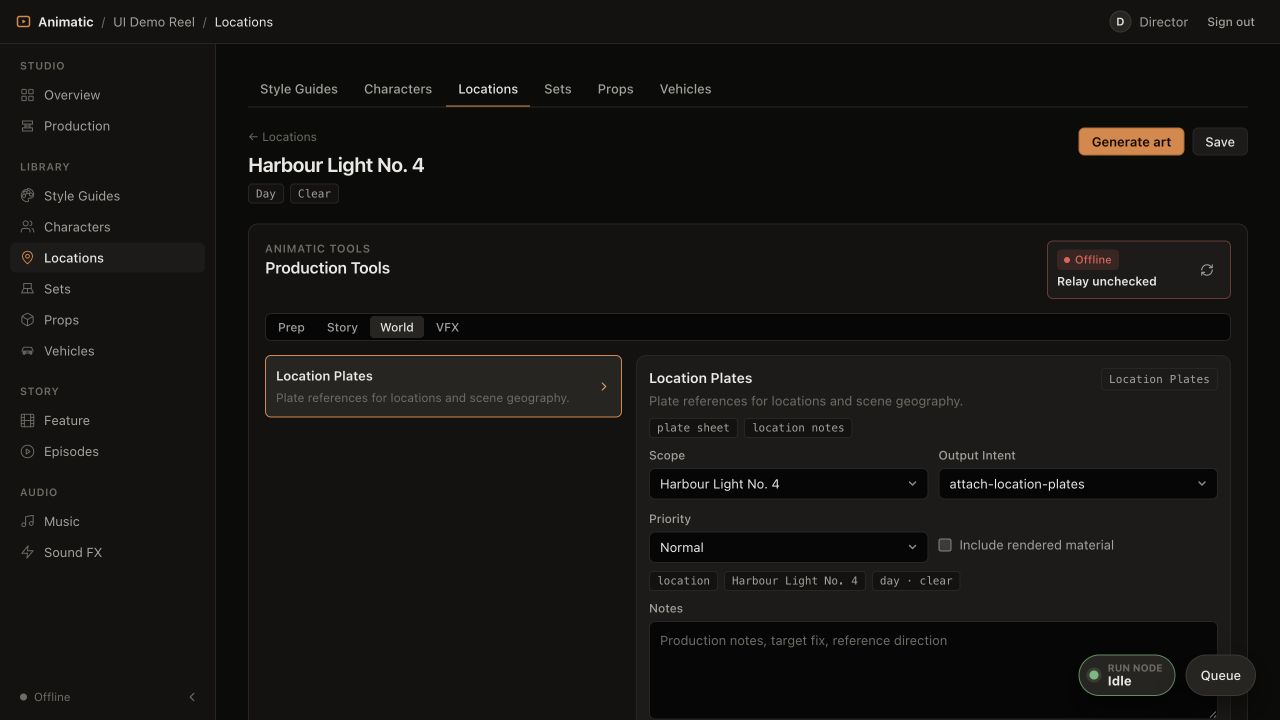
A location carries its geography, references, set versions, and output intent into the run. No prompt reconstruction required.
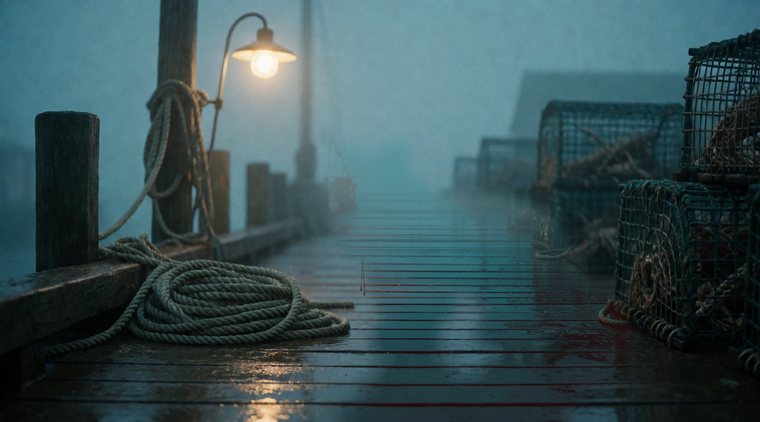
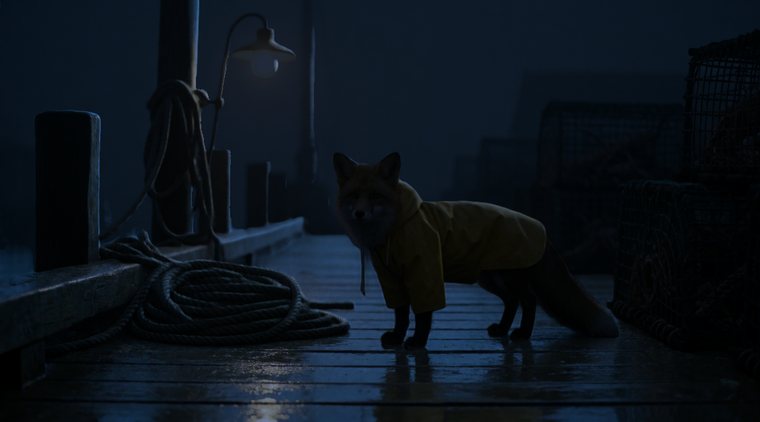
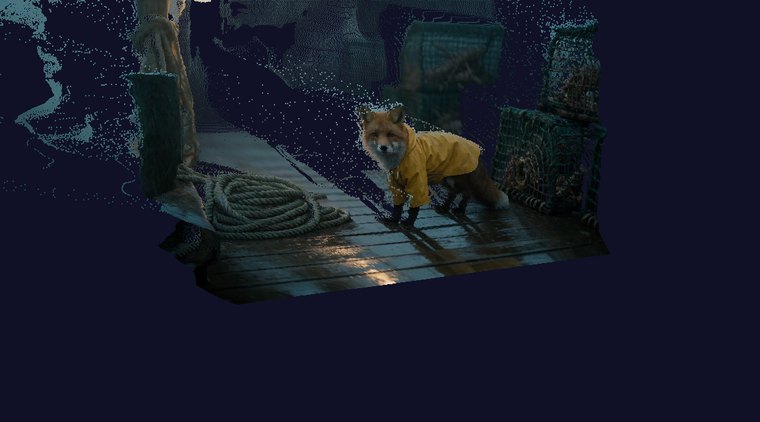
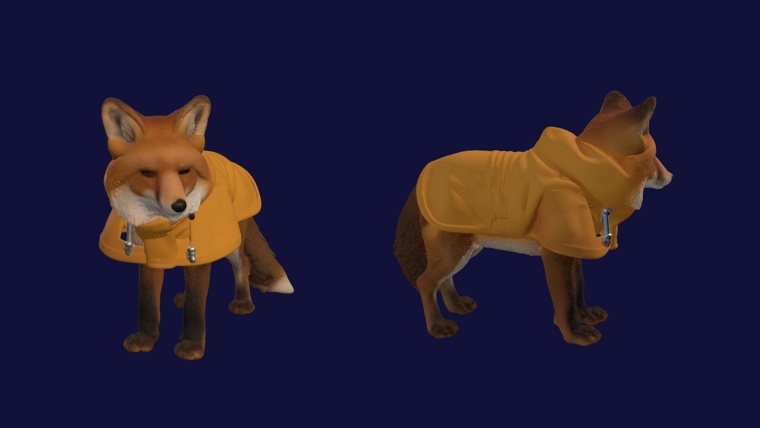
A real shot · eight returned artifacts
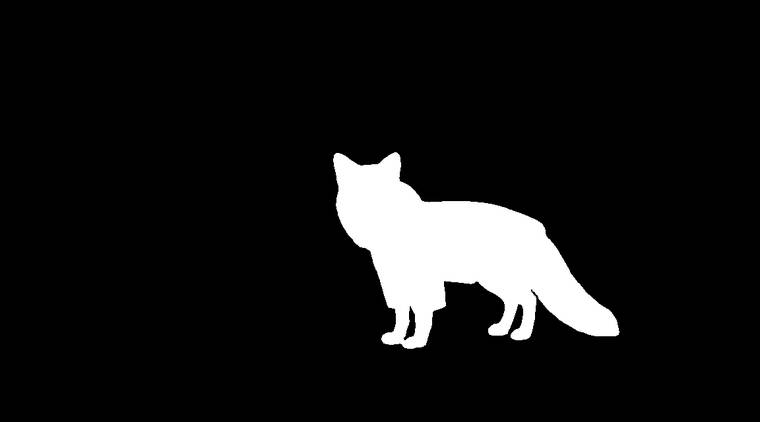
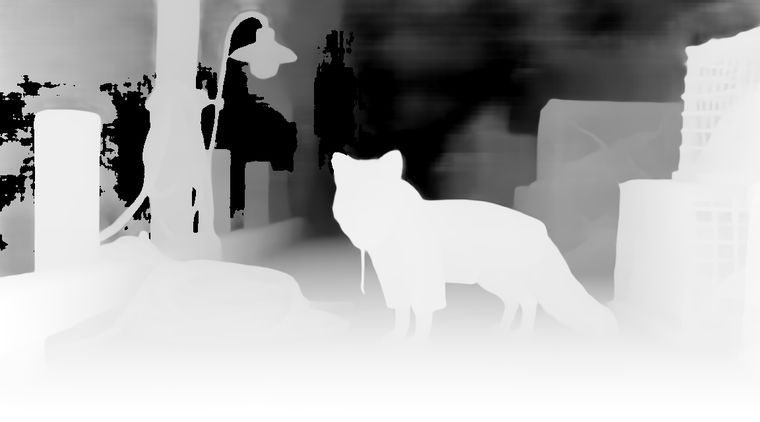
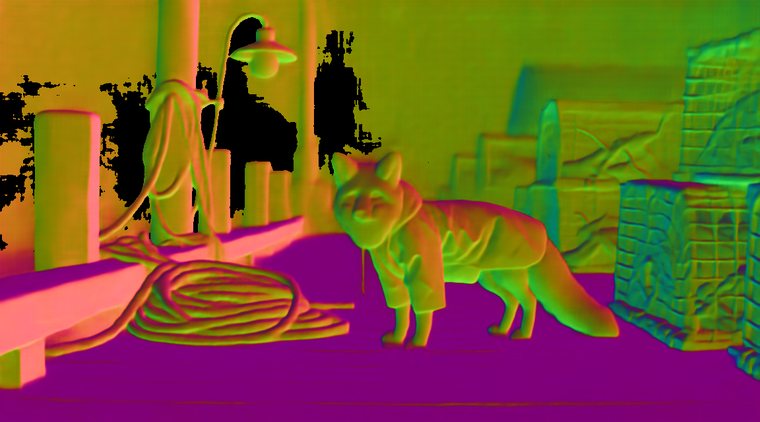
One project-owned plate can return as editorial media, compositing passes, camera data, or a verified 3D handoff. Every output remains connected to its source run.
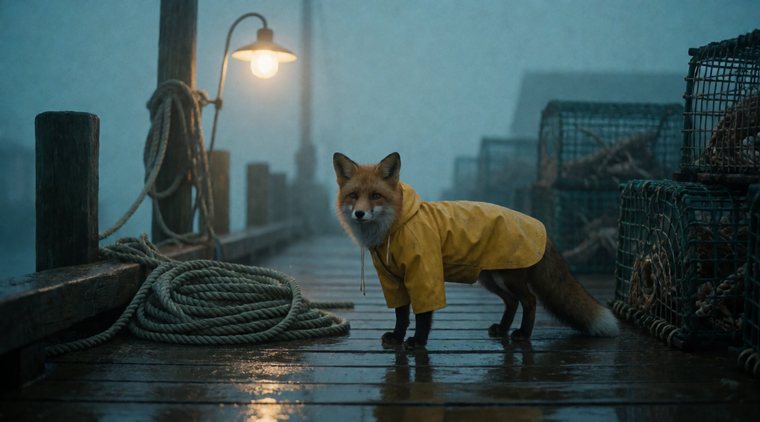
Private production loop
The relay discovers exact node capabilities, moves signed project assets into a confined job directory, streams progress, and returns uploadable artifacts to the project. Your network stays closed and your footage stays under your control.
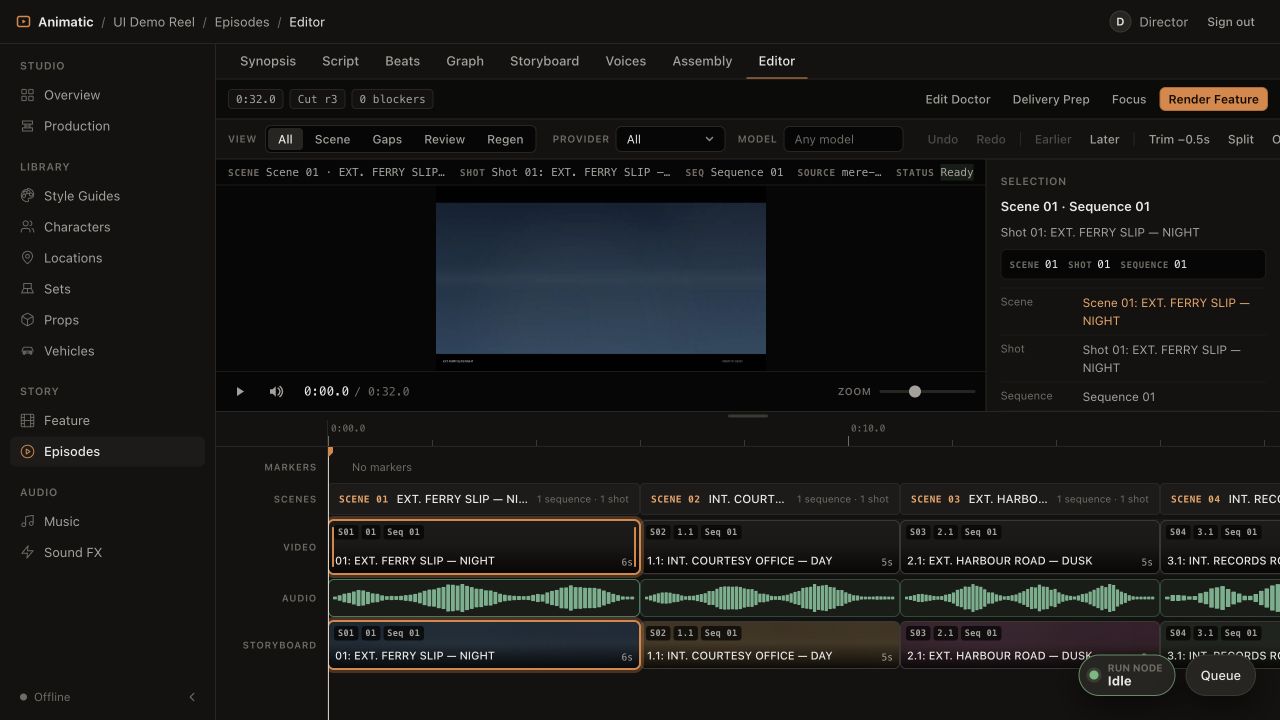
Editorial is part of production
Storyboards, selected video, and audio share one timebase. Trim, split, ripple, compare takes, inspect blockers, run Edit Doctor, and prepare delivery without losing the shot's generation history.
Made for crews
Projects are shared surfaces, not exported files. The state you see is the state the production has.
Invite-only access
Bring the idea. Connect a node. Keep every decision.